Everything a gift officer needs, task by task.
DonorGraph turns a donor name into verified wealth signals and a meeting-ready brief. This guide walks through each job you'll actually do — in the order most teams do them.
Getting started
Two minutes of orientation saves the rest.
- Sign in at
app.donorgraph.com— email/password or Google. New here? Pick a plan first at Pricing; your workspace is created the moment checkout completes. - Know what a "search" is. Plans are priced per screening search (Starter 100/mo, Pro 400/mo, Enterprise 1,000/mo). One donor screened = one search. Viewing results, briefs, reports, and your CRM data is always free and unlimited.
- Set your state focus. DonorGraph is national, but your org's home state sharpens property and board matching. It's set from your billing state automatically — change it in Settings.
Import your donors
Bring your file in — CSV or Excel, any reasonable column names.
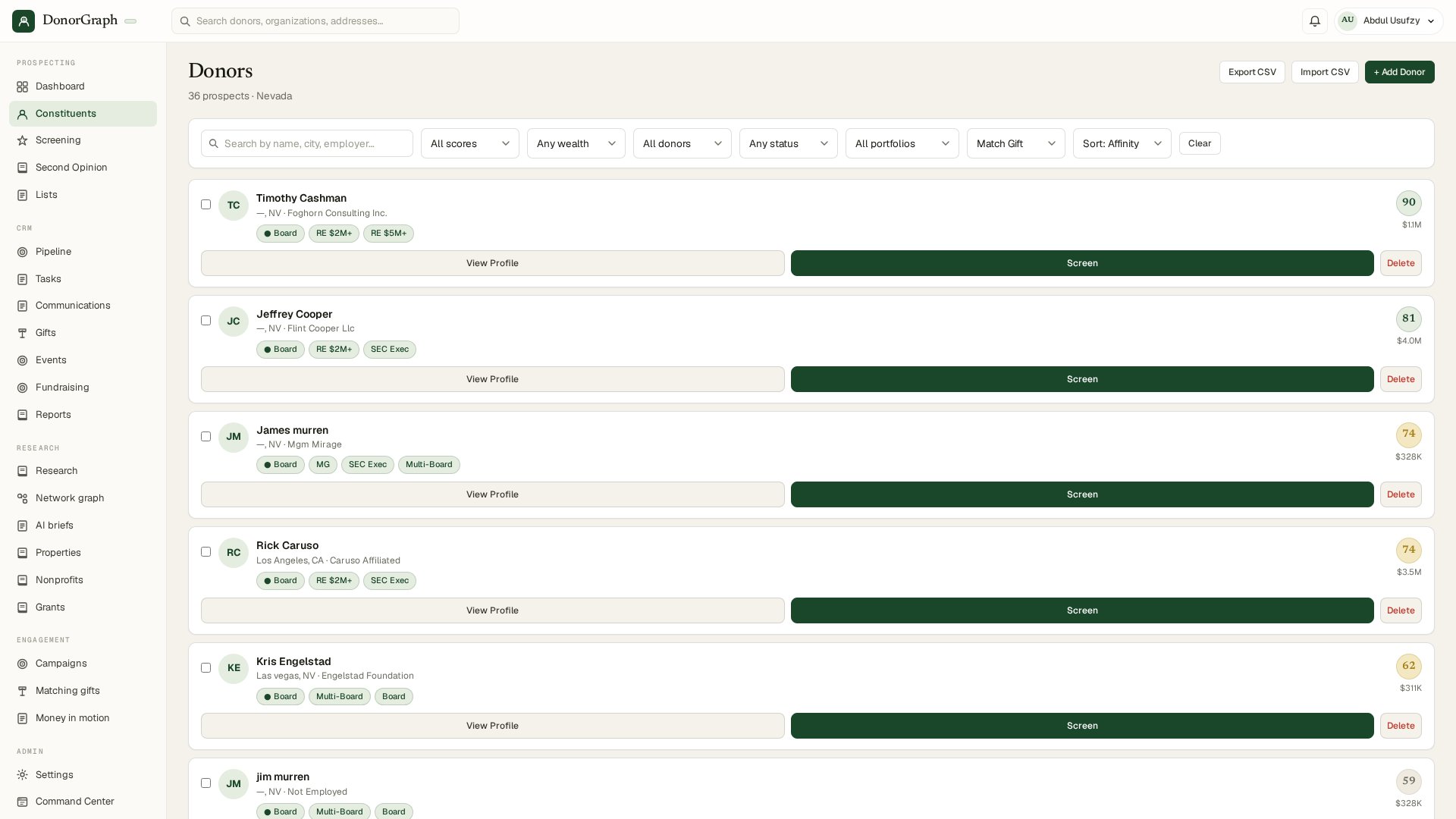
- Open Constituents and click Import.
- Upload your CSV/Excel. You'll get a preview with column mapping — confirm which columns are name, city, state, employer. More context (city, employer, spouse) = sharper identity matching.
- Leave “Auto-screen all imported donors” checked to start screening immediately, or uncheck it to import now and screen selectively later.
Screen your file
Where donor names become wealth intelligence.
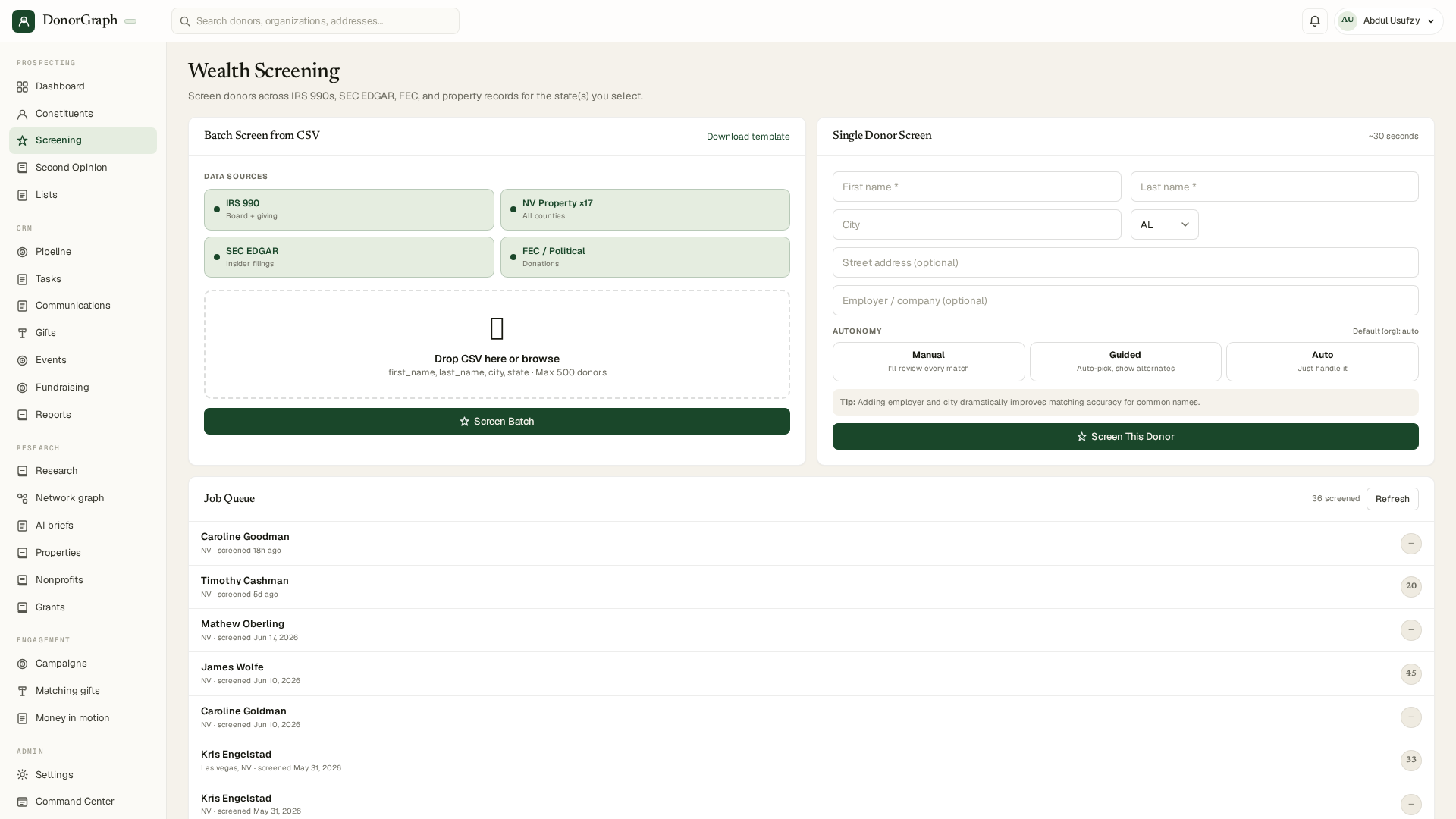
- Open Screening — the Wealth Screening hub. Queue a batch, or screen any single donor from their profile.
- Watch progress live. Each donor moves through identity resolution → boards → property → political giving → SEC → AI review. A full batch runs unattended; leave the page and come back.
- Results land in three places: the donor's profile (signals + brief), your Screening history, and the dashboard priorities.
- Each result cites its source record; see how we verify.
Read a donor profile
Every claim is a verifiable public-record signal — and you stay in control.
Nonprofit boards
IRS 990 officer & director seats — warmth and affinity evidence.
Real estate
Property holdings with assessed values — capacity floor.
Political giving
FEC + state donations — liquidity and cause signals. Blackbaud removed political giving from WealthPoint in 2020; here is what that means for your screening.
SEC / business
Insider filings, company officer roles — where the money comes from.
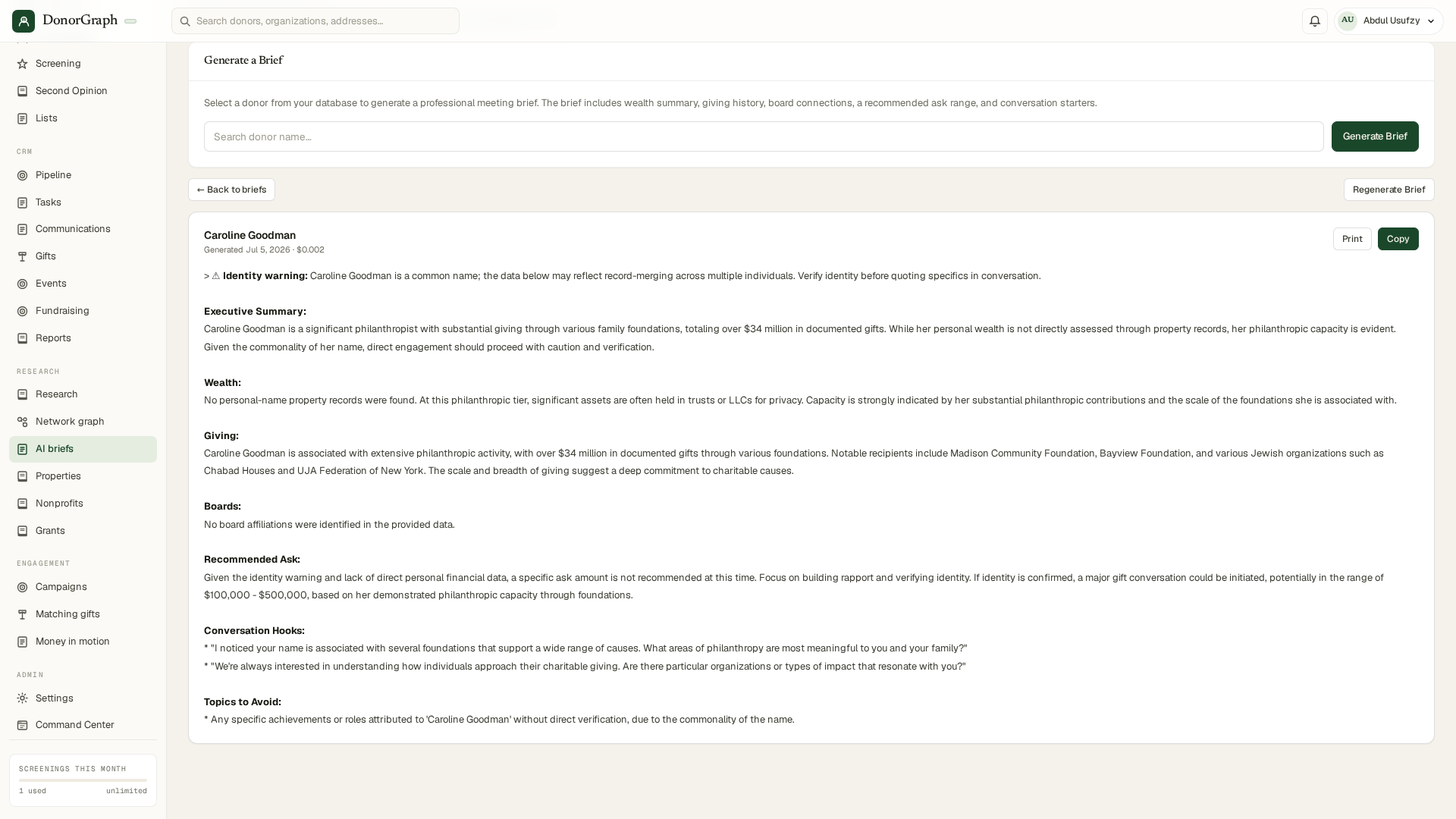
- Check identity first. Common name? The profile says so up front, and every signal was matched with word-anchored precision — no "wrong John Smith" wealth.
- Confirm or reject signals. See a property or board seat that isn't your donor? Reject it — it disappears and the system learns. Family-owned signals can be confirmed with one click.
- Act from the profile: generate a brief, print a visit sheet, draft an outreach email, add a task, or log an interaction — all on the donor page.
AI meeting briefs
From name to meeting-ready in about a minute.
- Open AI Briefs, search the donor, click Generate Brief (or use the brief button on any donor profile).
- Read the structure: executive summary → wealth → giving history → boards → recommended ask range → conversation hooks → topics to avoid. Grounded only in verified signals — if data's thin, the brief says so instead of inventing.
- Take it with you: print the one-page visit sheet (🖨 on the brief header) before a meeting, or export the brief to PDF.
- Start the conversation: click ✉ to draft a thank-you, meeting request, or re-engagement email written from the donor's actual history and hooks. Copy, edit, send from your own inbox.
Plan your week from the dashboard
Open the app, know who to call.
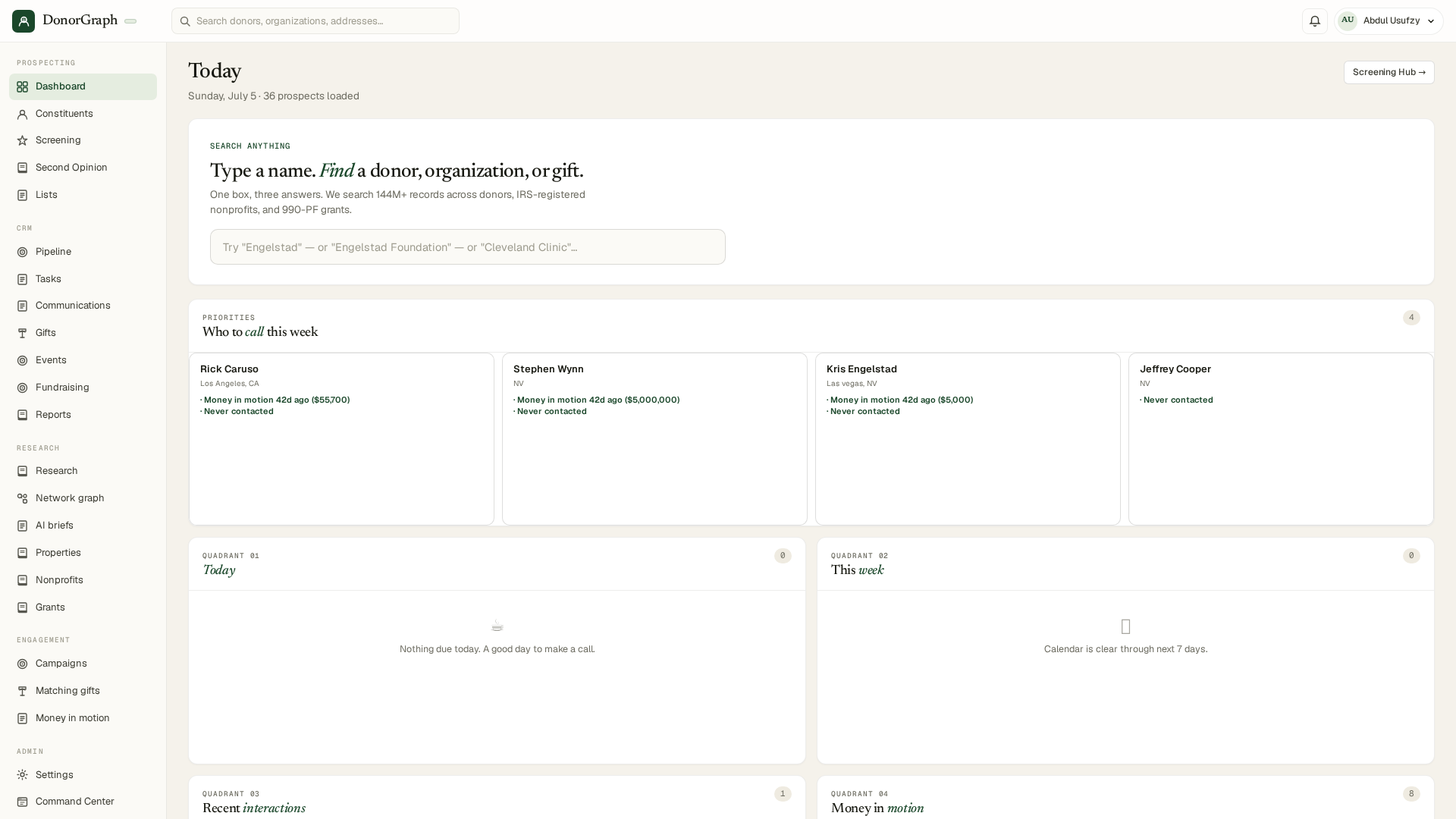
- “Who to call this week” ranks prospects by money-in-motion recency, capacity, and contact gaps — the four cards at the top are your call list.
- Work the quadrants: Today (due tasks) → This week (calendar) → Recent interactions → Money in motion (donors whose giving activity just changed).
- Click any name to jump straight to the profile and brief.
Find untapped potential
The gap between what they could give and what they do give.
- Open Gifts → Import history and upload a CSV/Excel of past gifts. DonorGraph matches rows to your donors (email first, then name+zip, then name+city) and reports anything unmatched.
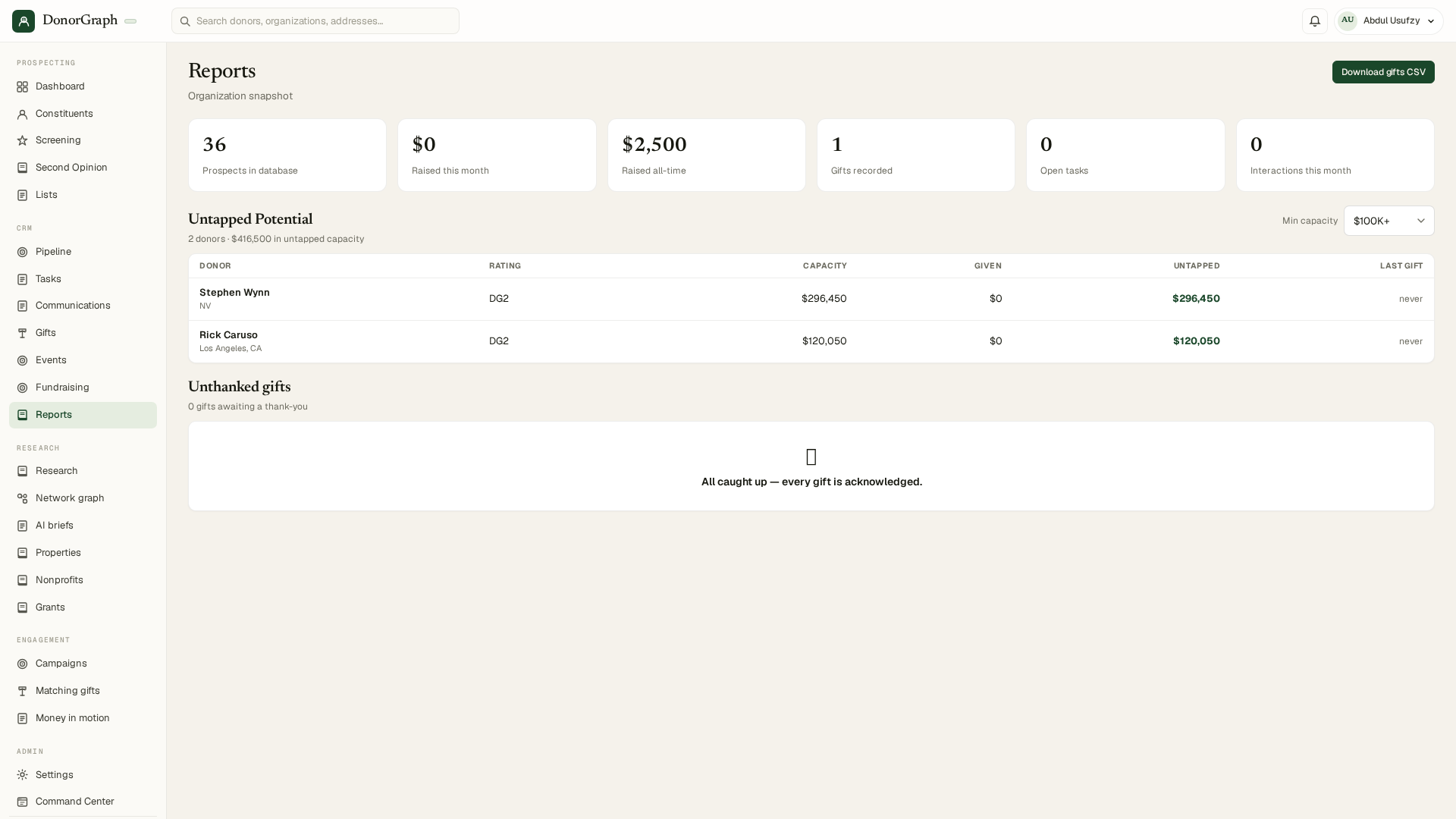
- Open Reports → Untapped Potential: donors ranked by the gap between verified capacity and actual giving. Set the minimum-capacity filter to your major-gift threshold.
- Check Unthanked gifts on the same page — recent gifts still awaiting acknowledgment.
- Related plays: Matching Gifts (recover employer matches) and Money in Motion alerts (giving-activity spikes).
Second Opinion
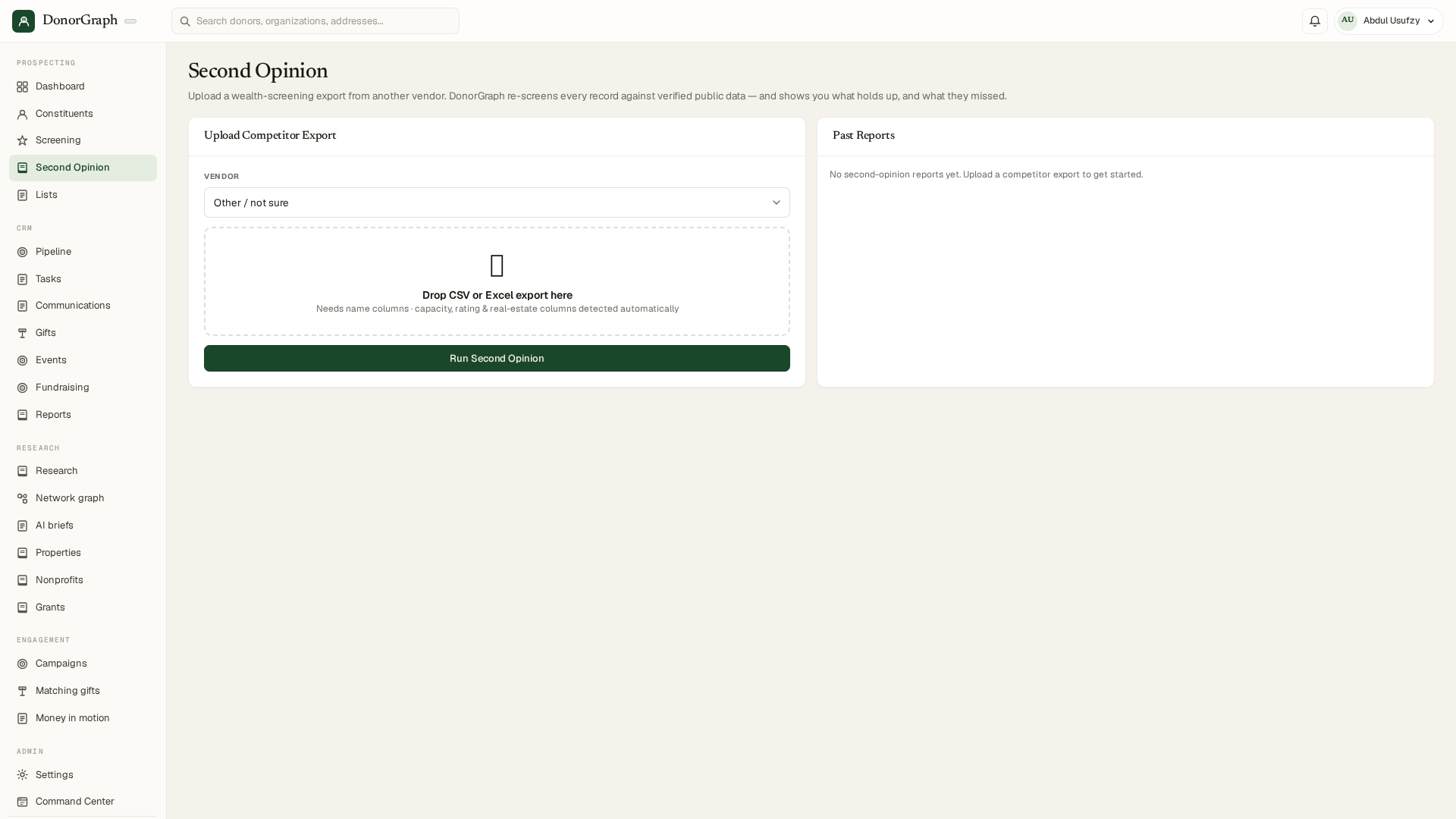
Already paid another vendor for a screening? Check their work.
- Open Second Opinion and upload the competitor export (their CSV, as-is).
- DonorGraph re-screens the same people against live public records and flags where the old file is stale, missing signals, or attributed to the wrong person.
- Use the diff to decide who's worth a fresh full screen.
Research & connections
For the deep-dive days.
Research
Free-form investigation across all datasets from one page.
Network Graph
Board connections and relationship paths — who can introduce you.
Properties · Nonprofits · Grants
Search each dataset directly: owner names, orgs and their officers, 990-PF grantmaking.
Recipients
Reverse view: which of your donors gave to a given organization.
Lists, portfolio & CRM export
DonorGraph plays nicely with the CRM you already have.
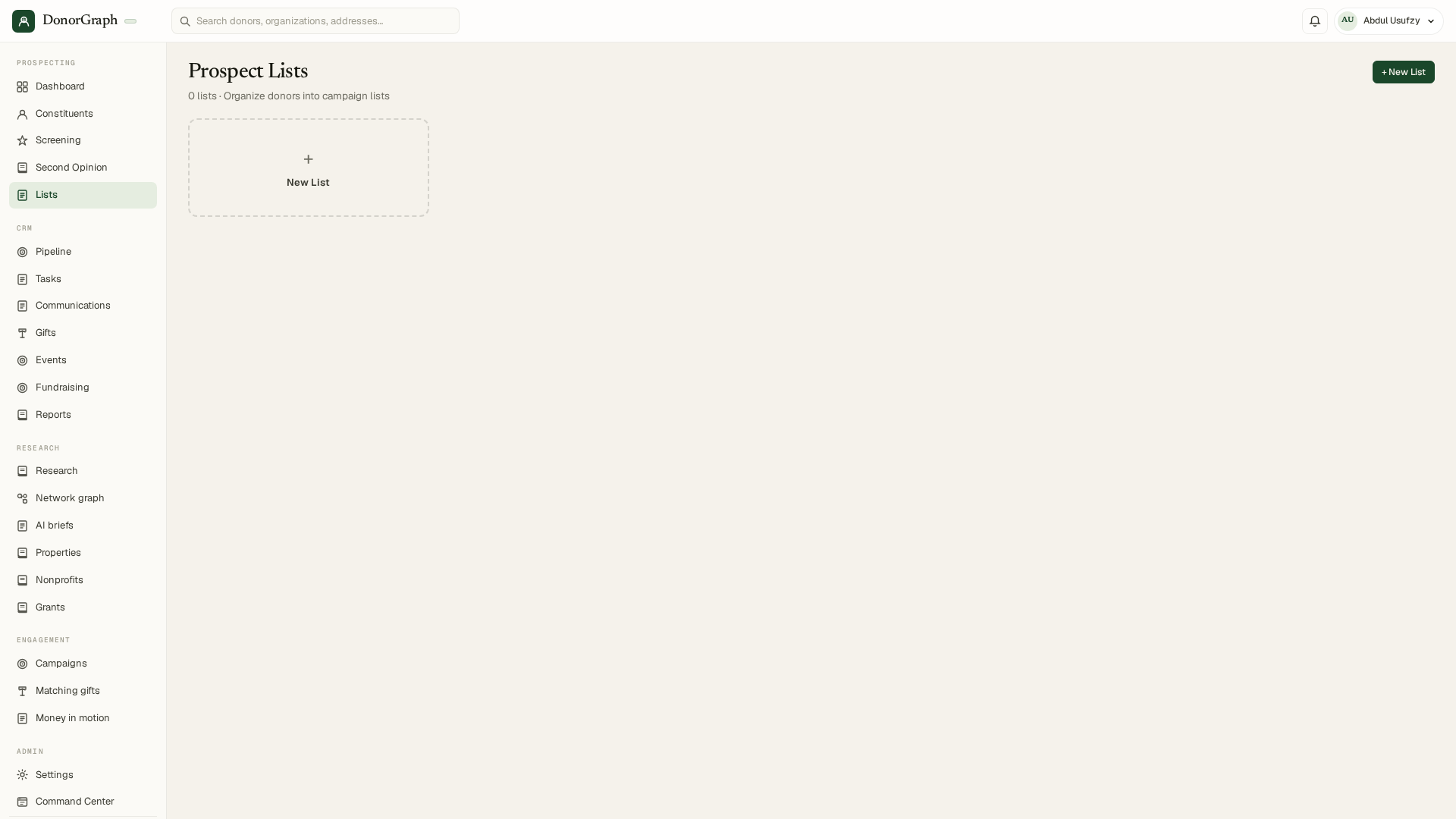
- Build Prospect Lists from any search or report — your campaign short-lists live here. Portfolio tracks your assigned relationships; Pipeline, Tasks, and Communications run day-to-day moves management.
- From a list, choose Export CSV with briefs — every donor's signals and brief text in one file.
- Pick your CRM's format — Bloomerang, Little Green Light, or Salesforce column mappings — and import on the other side with zero re-mapping.
Usage, plans & alerts
No surprises, ever.
- Settings shows live usage — searches used this month against your plan.
- At your limit you choose: pay-as-you-go overage (per-search price shown up front) or an upgrade. Screening never silently stops or silently bills.
- Turn on Alerts to get notified when a screened donor has new money in motion.